

MNY Switcher
Switch between your FiveM graphics packs in one double-click.
Swap packs in under 100 ms with NTFS junctions — no file copying, no administrator rights.
Instant switch
Swap in under 100 ms without ever copying gigabytes of files around.
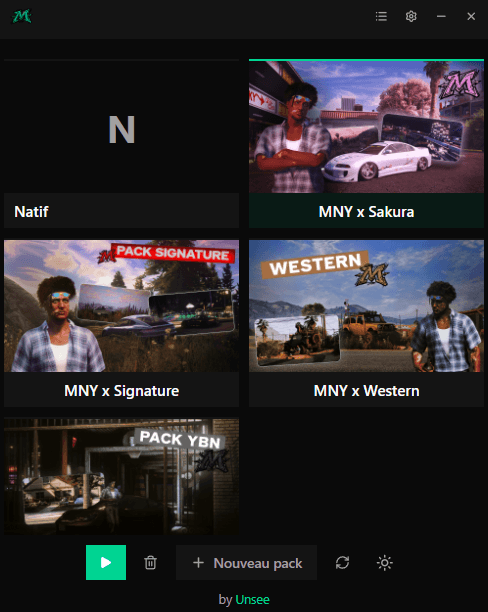
Two display modes
Compact list or a grid with covers — whichever you prefer.
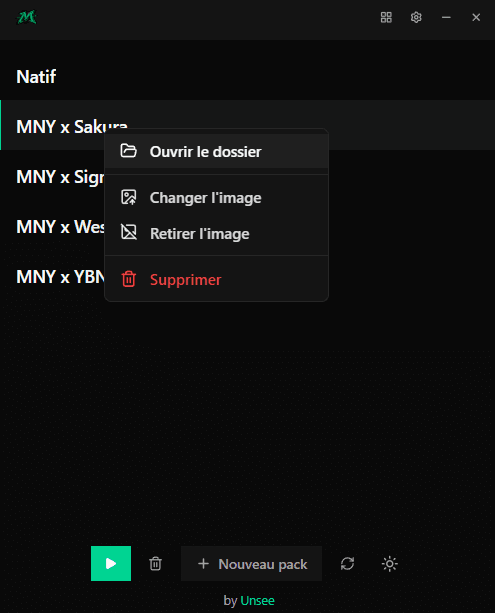
Cover per pack
Give each pack its own artwork, set in a single right-click.
Built-in ENB support
Installs and removes the ENB along with the pack, automatically.
Automatic detection
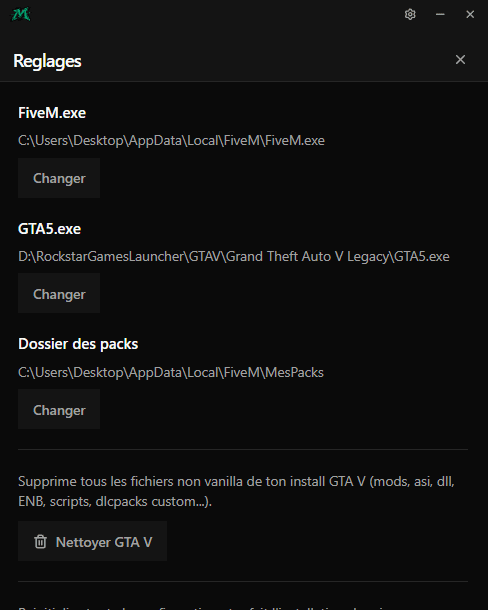
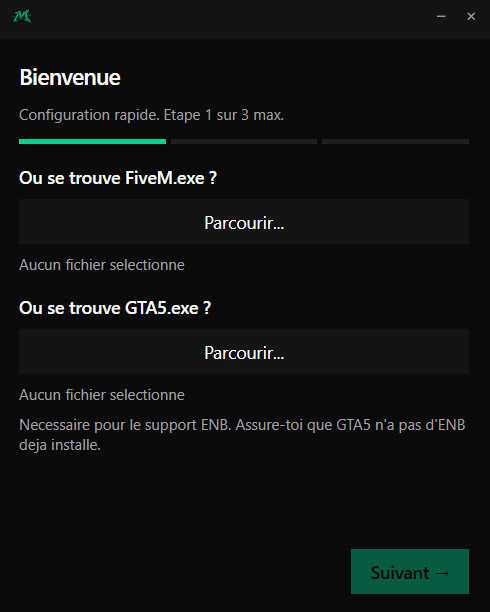
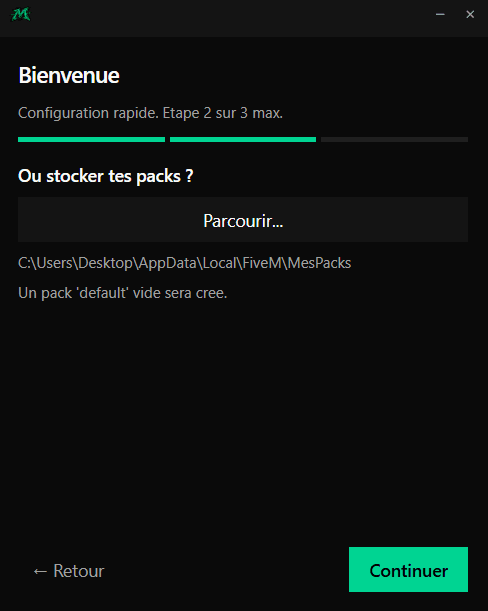
Finds your FiveM folder and imports your current setup as a pack.
No administrator
No elevated rights required: everything runs through NTFS junctions.
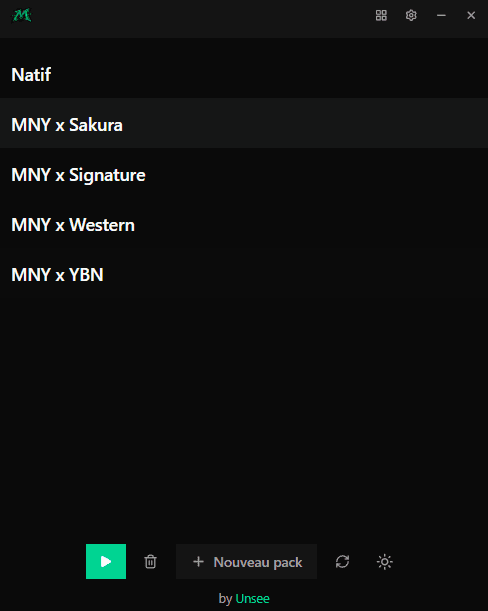
List view — the active pack is highlighted
How it works
MNY Switcher is built on Windows NTFS junctions. Here is what that changes for you.
Junctions, not copies
Your packs live in one central folder. FiveM's mods/ and plugins/ folders point to the active pack through NTFS junctions.
A swap under 100 ms
Switching packs moves no files — it just rewrites the junctions. Even a multi-gigabyte pack switches instantly.
No administrator rights
Junctions need no privileges: MNY Switcher runs as a regular user.
Your data stays safe
Before replacing a path, the app checks it is really a junction. It can never overwrite a real folder full of your files.
Windows only: NTFS junctions are a Windows-exclusive feature.
Frequently asked questions
- Why Windows only?
- The NTFS junctions that power the instant switch are Windows-specific. There is no macOS or Linux version.
- Do I need administrator rights?
- No. Everything works as a regular user, with no privilege elevation.
- Can my packs get overwritten?
- No. Before any deletion, the app verifies it is a junction and never a real data folder.