

SeeSafe
Your passwords, organized and protected.
A free, carefully crafted password manager that keeps all your logins in one place.
Strong security
Your data is protected by solid encryption. No software is ever 100% bulletproof, but SeeSafe is built to keep your secrets well guarded.
Crafted interface
A clean, polished interface — everything where you expect it, nothing in the way.
All in one place
Store and find all your logins in a single app.
Free
No subscription, no hidden limits.
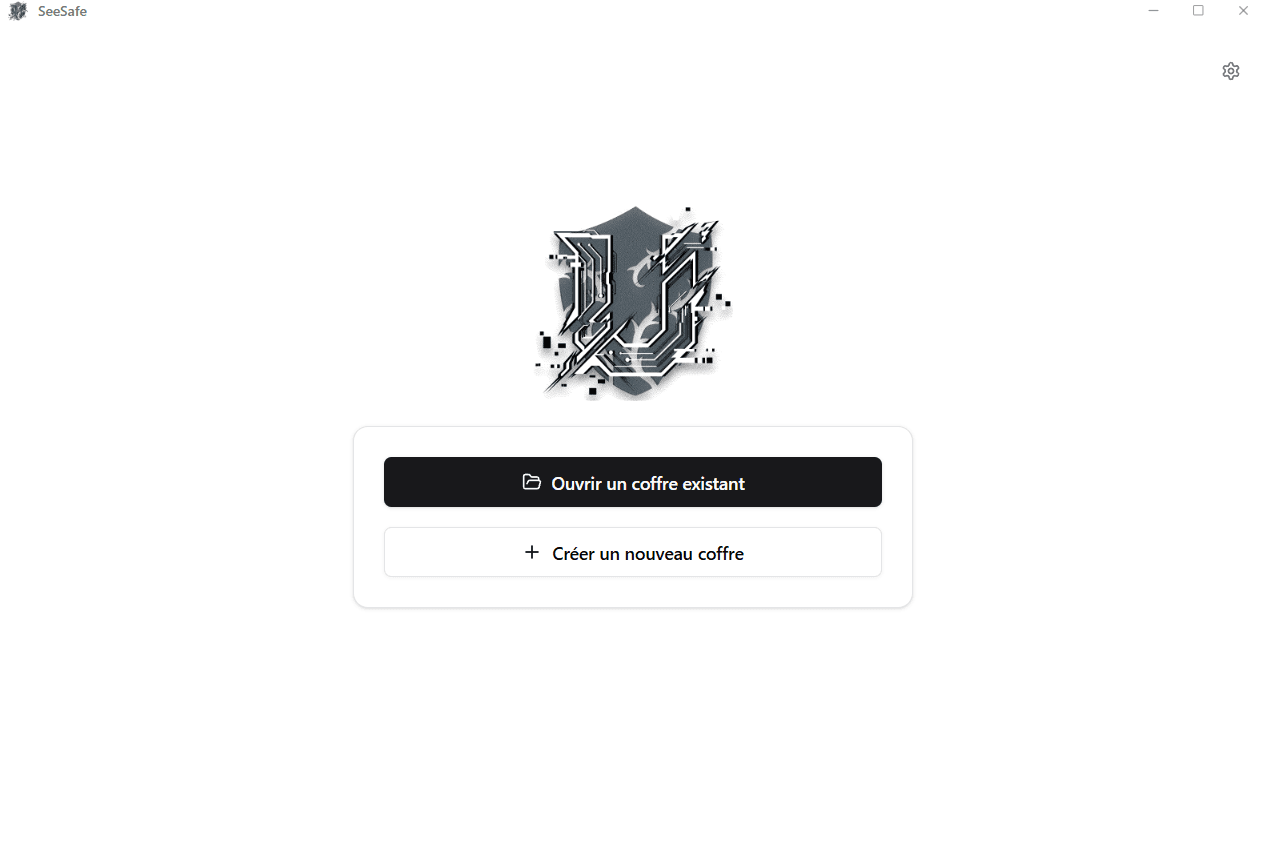
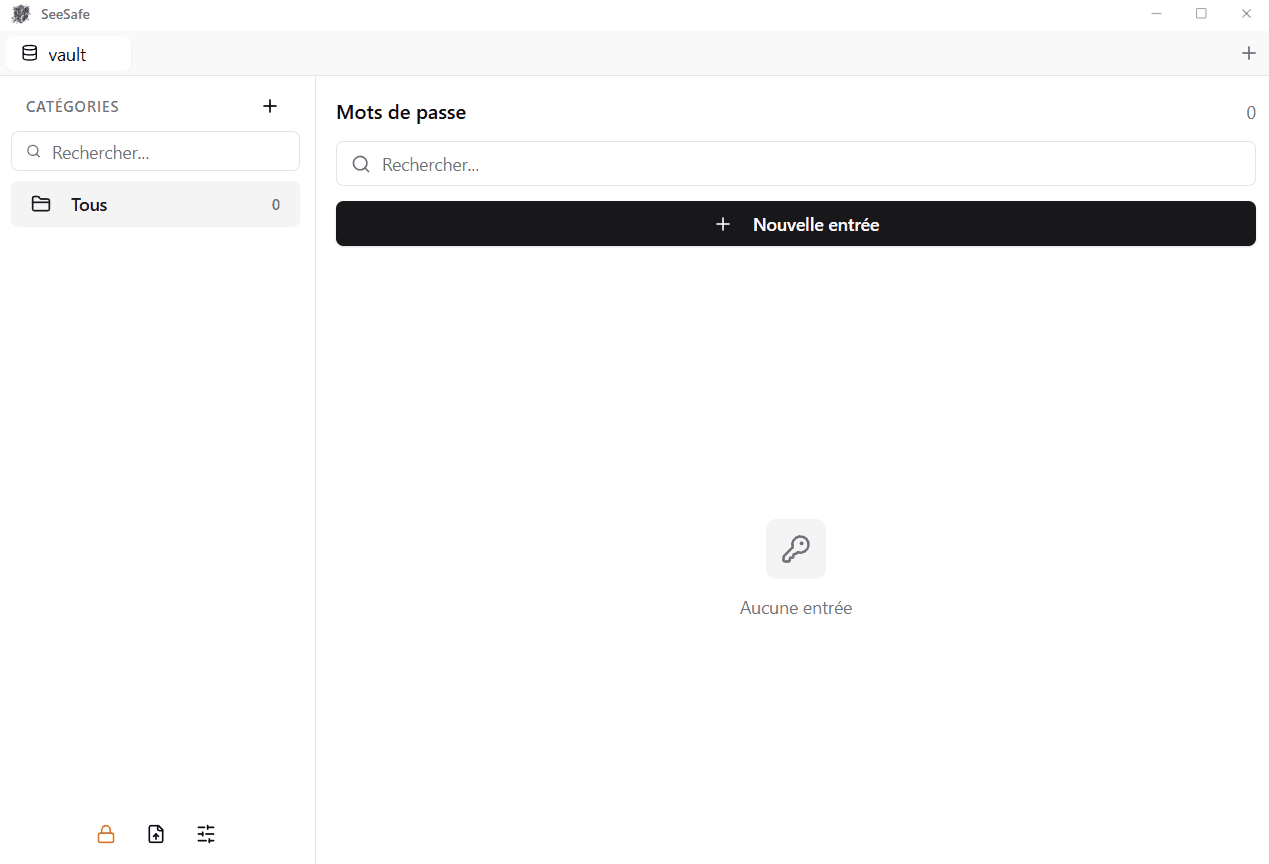
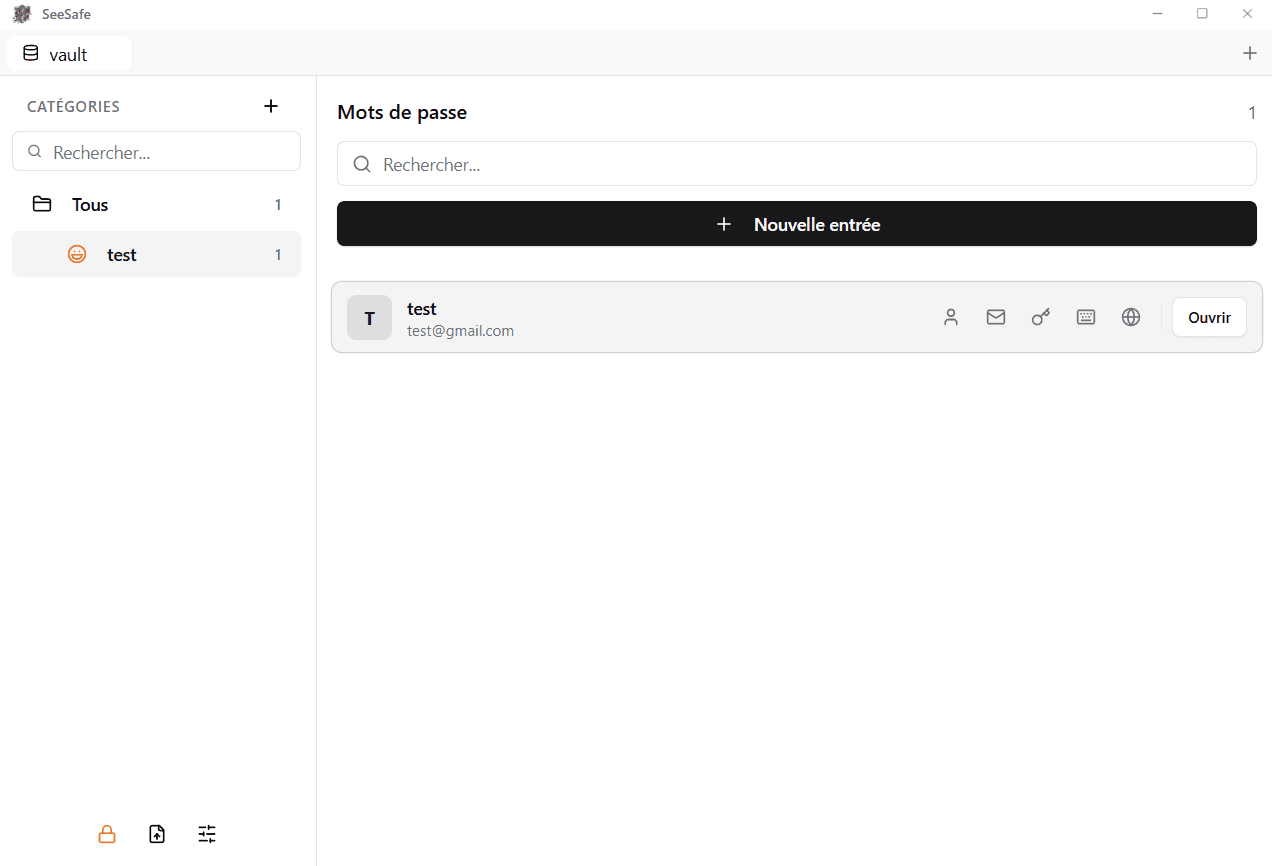
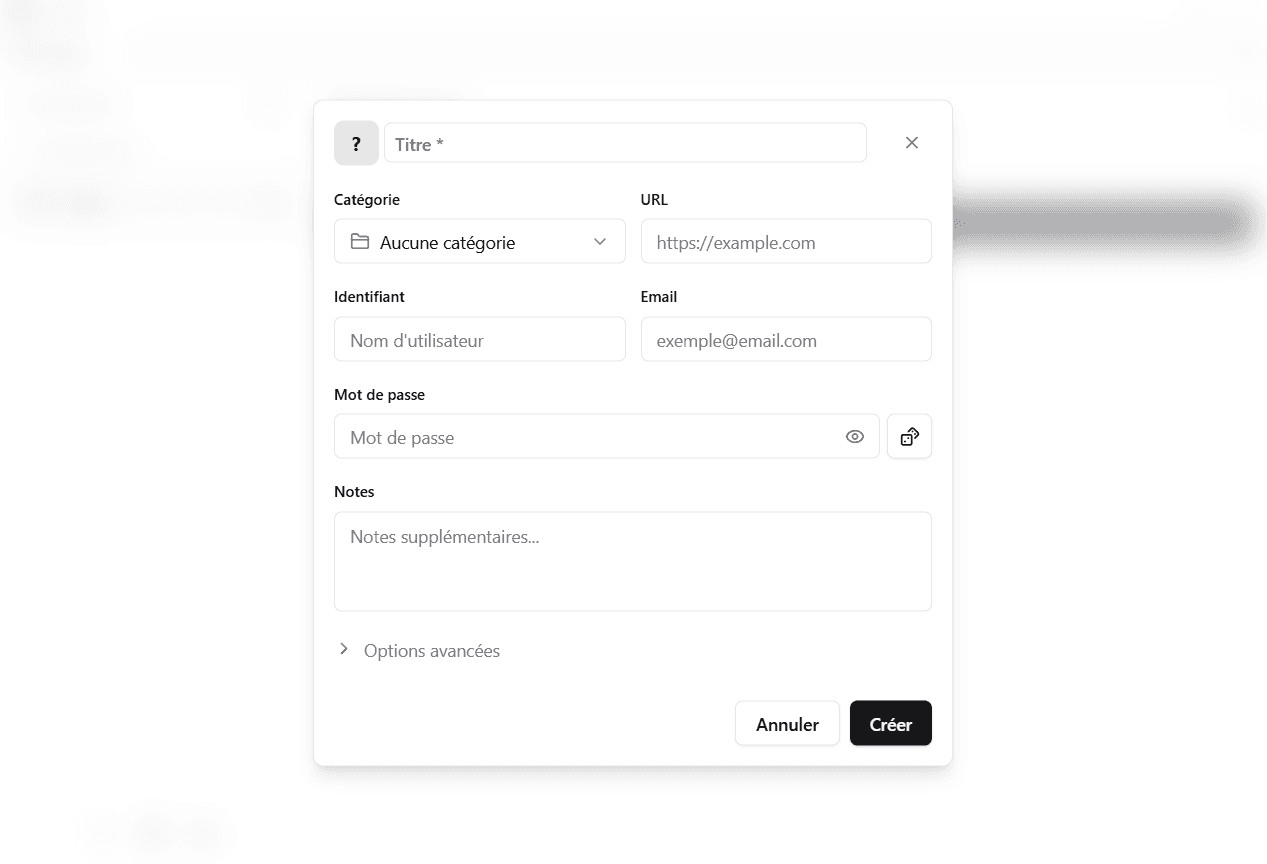
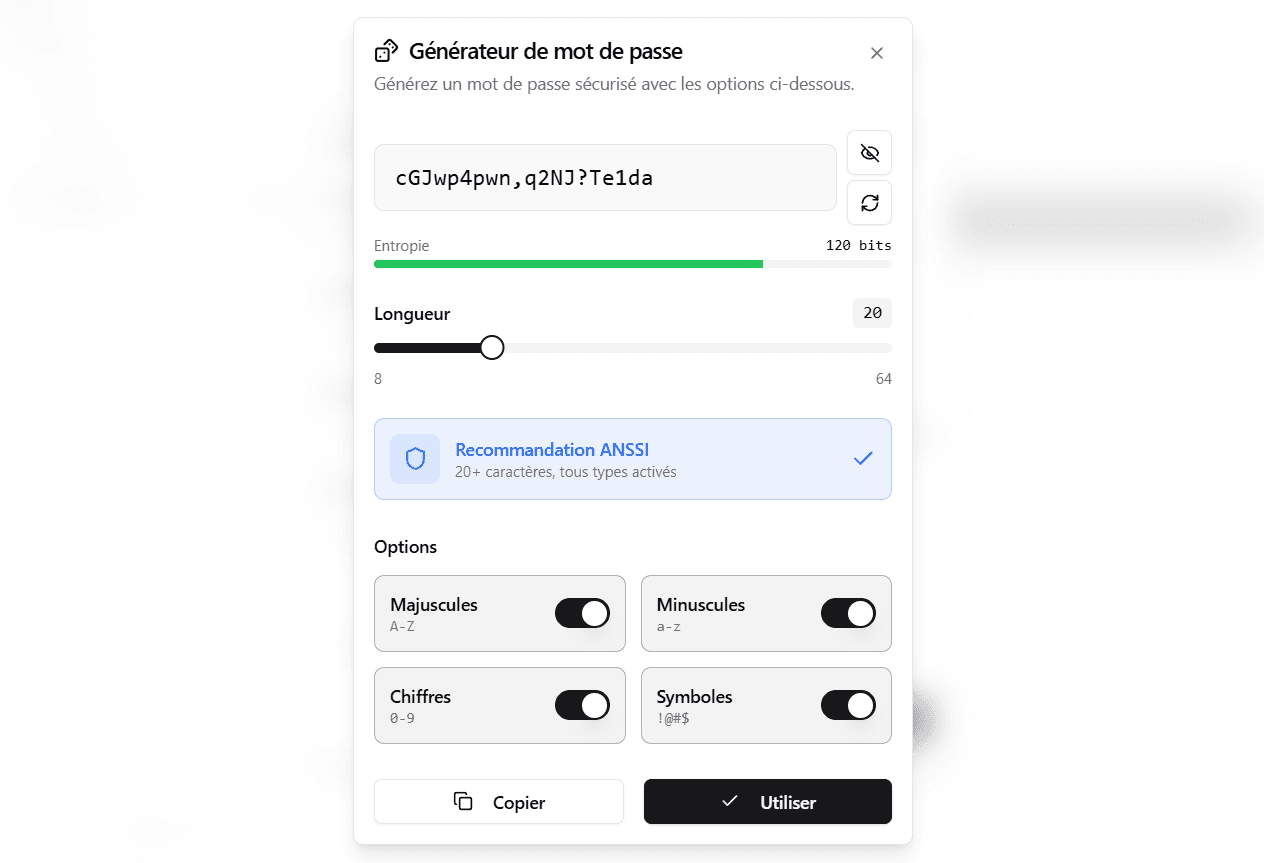
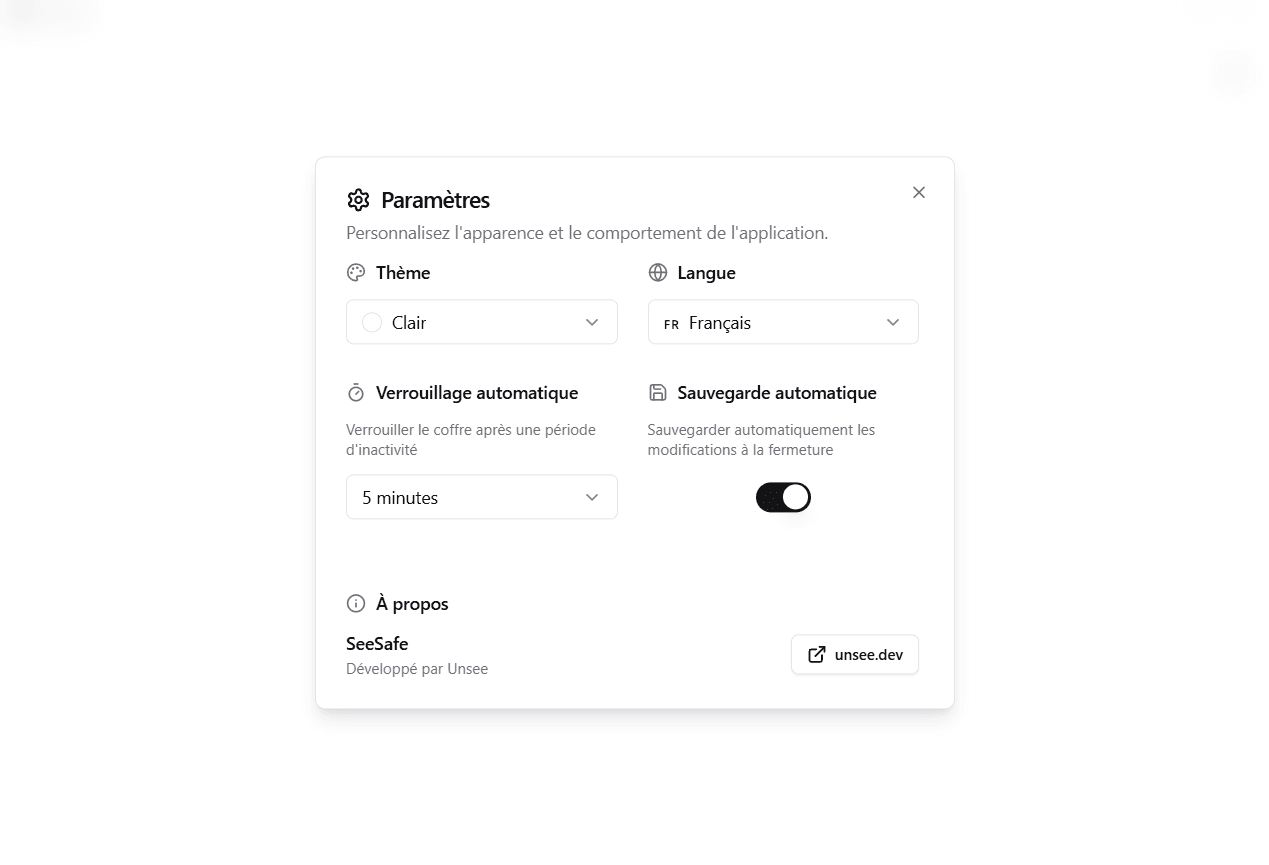
Home — open or create a vault
Security, taken seriously
SeeSafe is built so your passwords stay yours — protected, and accessible only to you. Here's how.
Everything stays with you
Your passwords are stored locally, on your own machine. Nothing is sent over the Internet, no cloud, no account to create: your data never leaves your computer.
An encrypted vault
Your vault is protected by strong encryption. Even if someone got hold of the file, its contents would stay unreadable without your key.
One master password
You unlock everything with a single master password that only you know. It is never stored in plain text — and no one, not even us, can recover it for you.
Strong passwords in one click
SeeSafe generates long, unique passwords for you, so you never reuse the same one everywhere again.
No software is ever 100% secure, and we will never claim otherwise. But SeeSafe does everything it can to keep your logins solidly protected.
Frequently asked questions
- Do my passwords go over the Internet?
- No. Everything is stored locally, offline, on your machine. Nothing is sent to a server.
- What if I forget my master password?
- It cannot be recovered: that is exactly what keeps your vault safe. Only your master password unlocks your data — keep it somewhere safe.
- Do I need to create an account?
- No account, no sign-up. You download SeeSafe, set your master password, and that is it.